Lists
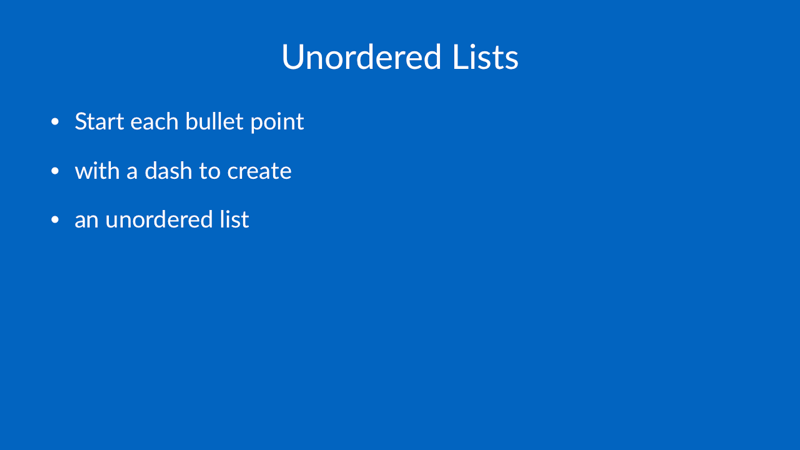
# Unordered Lists

- Start each bullet point
- with a dash to create
- an unordered list
# Ordered Lists

1. Start each item with
1. a number followed by a dot
1. to create an ordered list

# Use Source List Numbering

[.use-source-list-numbering]

1. Start at one
3. Skip a number
5. Keep going
This command applies to the next ordered list on the slide.
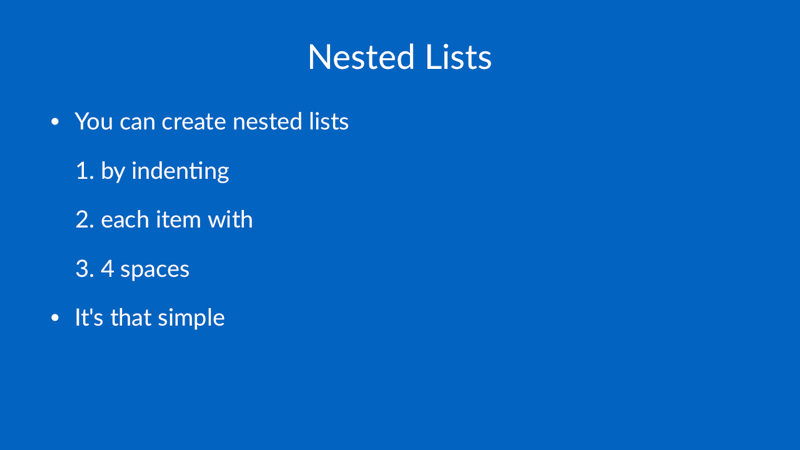
# Nested Lists

- You can create nested lists
    1. by indenting
    1. each item with
    1. 4 spaces
- It's that simple