

Text Styles
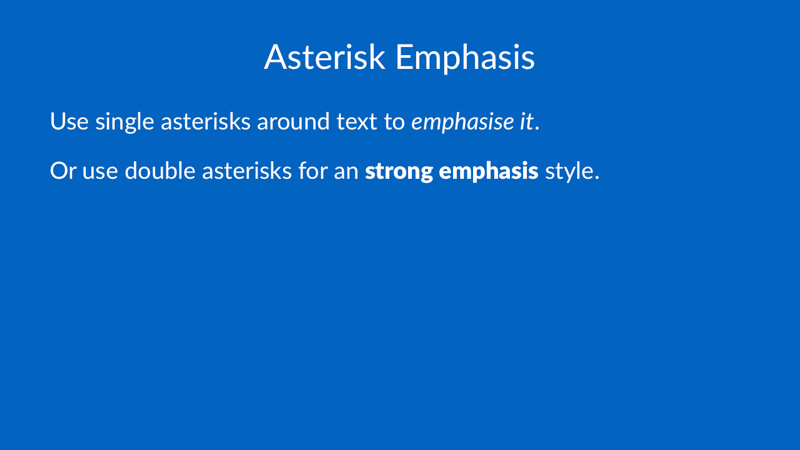
# Asterisk Emphasis

Use single asterisks around text to *emphasize it*.

Or use double asterisks for a **strong emphasis** style.
# Underscore Emphasis

Alternatively, you can also use underscores to emphasize:

Wrap text in single underscores to _emphasize it_. Or use double underscores for the alternative __strong emphasis style__.

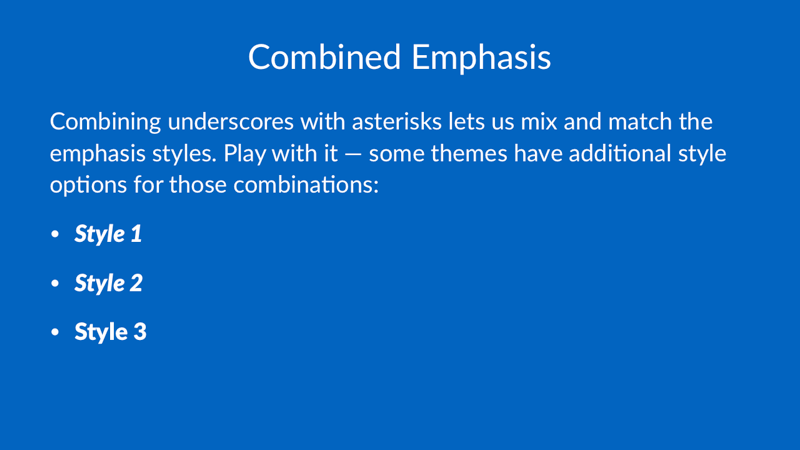
# Combined Emphasis

Combining underscores with asterisks lets us mix and match the emphasis styles. Play with it — some themes have additional style options for those combinations:

- _**Style 1**_
- __*Style 2*__
- __**Style 3**__
# The same *styles* work in **headings**, too.

# More Styles

- ~~Strikethrough~~
- Super<sup>script</sup>
- Sub<sub>script</sub>
- `Inline code`

You can also use an inline HTML span to apply a small set of style overrides to part of a text run:
# Inline Span Styling

Use <span style="color: #FF3366">color</span>,
<span style="line-height: 1.2">line height</span>,
<span style="letter-spacing: 1.5">letter spacing</span>,
and <span style="text-transform: uppercase">text transform</span>.
Supported span style properties:
colorline-heightletter-spacingkerntext-transform: uppercasetext-transform: capitalizetext-transform: none