

Inline Images
Accessible Descriptions
Deckset interprets the text inside ![...] as image options rather than plain Markdown alt text. Add an accessible description with alt(...):

If an image is purely decorative, use decorative instead:

Quoted text such as  is not used as the accessible description. Write  instead.
Combine Text and Images


Fill the Slide


Custom Scaling


Image Grids


Corner Radius
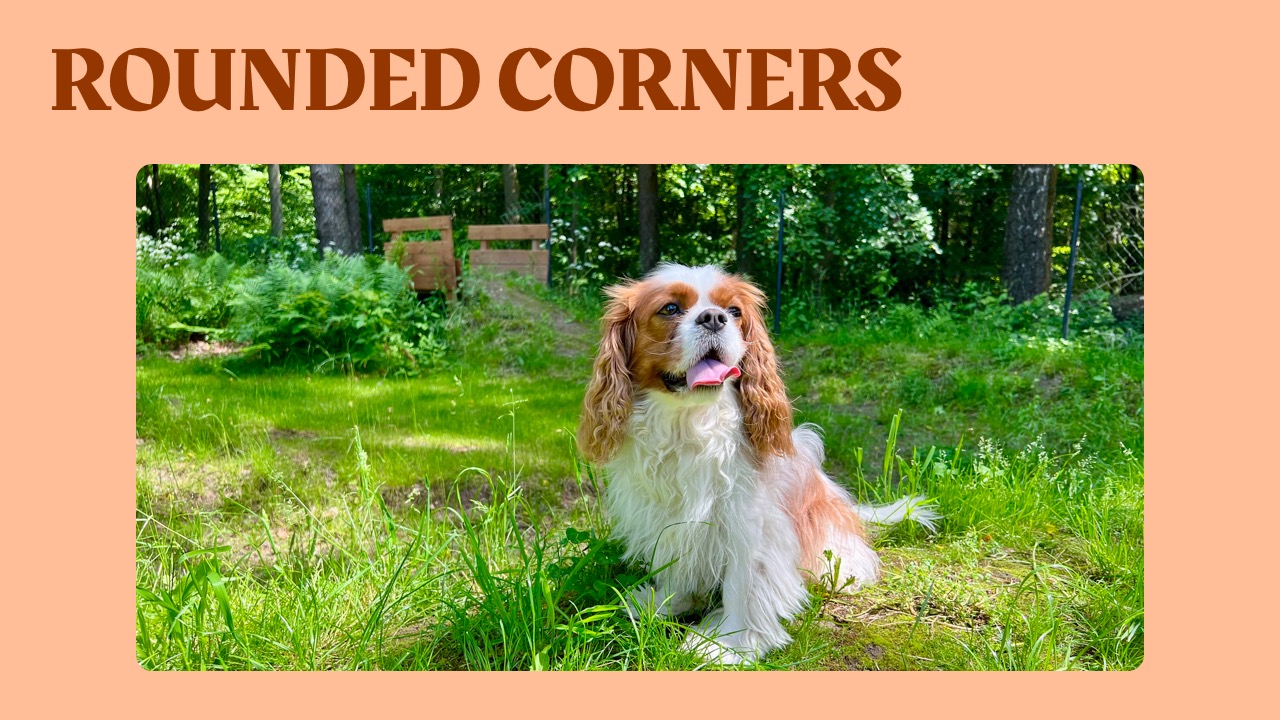
You can set corner radius of images using following Markdown:

This currently only works for plain static images. Let us know if you’d like it to work for other media too.
Inline Filter Modifiers
Use custom filter modifiers on inline images too:


bn and bw are aliases. saturation(value) accepts 0...2 and overrides saturation from bn/vivid when combined. noir, chrome, and fade apply photo effect presets.
You can also compose multiple filters inline:


Positive vignette(...) values darken the edges. Negative values lighten them.
Accessible Descriptions
Inline images are informative by default. Give them a useful description with alt(...), or explicitly mark an image as decorative:


See Accessible Media for intent rules and export guidance. If you write presentations in Obsidian, see Obsidian Media Embeds.