
Getting Started
Deckset is a presentation software that creates great-looking slides from simple Markdown files.
Preview files on iPhone and iPad
On iPhone and iPad, Deckset adds Quick Look previews for Markdown presentations, Text Bundles, and Deckset theme files. In Files, touch and hold a supported file and choose Quick Look. A presentation shows its first slide, while a theme file shows a sample slide in that theme. Open the file in Deckset to see the complete presentation.
What is Markdown?
Markdown is a simple syntax to format plain text. It allows you to create structured documents with just a few modifiers. Here’s an example:
# Headline indicates a first level title.

## Subheader a second level title.
Separating Slides
To start a new slide, simply put three dashes (---) on a single line, with an empty line above and below.

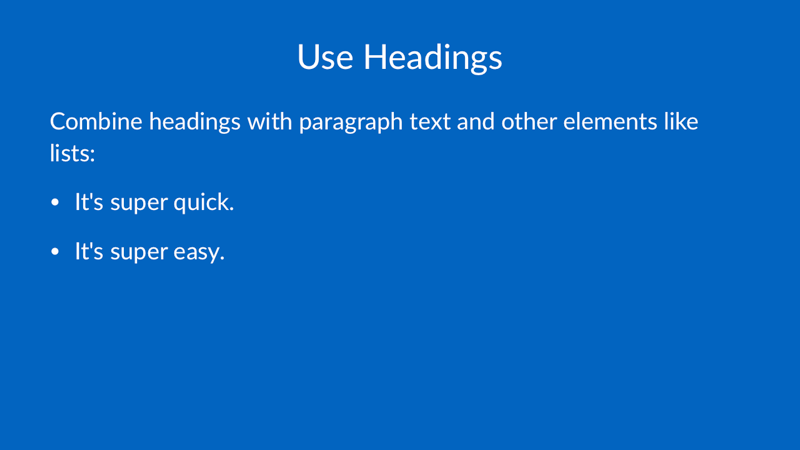
Use Headings
# Use Headings

Combine headings with paragraph text and other elements like lists:

- It's super quick.
- It's super easy.
Paragraphs
# Paragraphs

Use a blank line in between text to start a new paragraph.

You can include a paragraph break by leaving an empty line between the paragraphs.
Otherwise lines will follow on directly like this.
